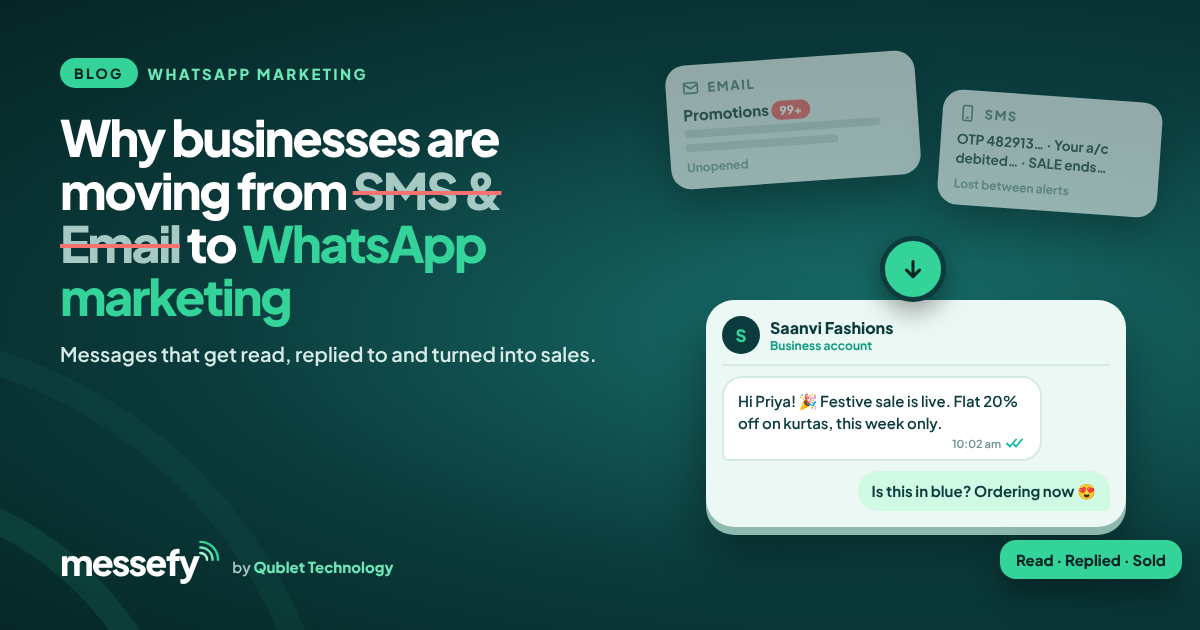
Customers today want answers in minutes, not hours, and WhatsApp API customer support makes that possible. Phone queues are slow and email replies take time, while WhatsApp is where customers already chat every day. Handling every message manually soon becomes impossible as your business grows, and that is where automation helps. As we covered in why businesses are moving from SMS and email to WhatsApp marketing, WhatsApp now sits at the centre of customer communication.
What Is WhatsApp Customer Support Automation?
It means using the WhatsApp Business API to handle common customer requests automatically. Chatbots, approved templates and workflows reply instantly, and your team steps in only when a human touch is needed.
Why Automate Customer Support on WhatsApp?
1. Instant Replies, 24/7
Customers get answers at any hour, even when your team is offline.
2. Lower Support Costs
Chatbots handle repetitive questions, so your team can focus on complex issues instead of hiring more agents.
3. Faster Resolution
Order status, invoice details and FAQs can be answered in seconds.
4. Consistent Answers
Every customer gets the same accurate information, with no mistakes from rushed manual replies.
5. Higher Customer Satisfaction
Quick, convenient support builds trust and brings customers back.
What Support Tasks Can You Automate?
- Greeting and welcome messages
- Answers to frequently asked questions
- Order tracking and delivery updates
- Payment and invoice reminders
- Appointment booking and rescheduling
- Complaint and ticket registration
- Feedback and rating collection
- After-hours auto-replies
How to Automate Customer Support Using WhatsApp API
- Get access to the WhatsApp Business API. Apply through an official Business Solution Provider (BSP).
- Set up your business profile. Add your business name, logo, description, hours and website, and get the profile verified.
- Collect customer opt-ins. Ask customers for permission through your website, checkout page, QR code or click-to-chat button.
- Create message templates. Write templates for confirmations, reminders and updates, and submit them to WhatsApp for approval.
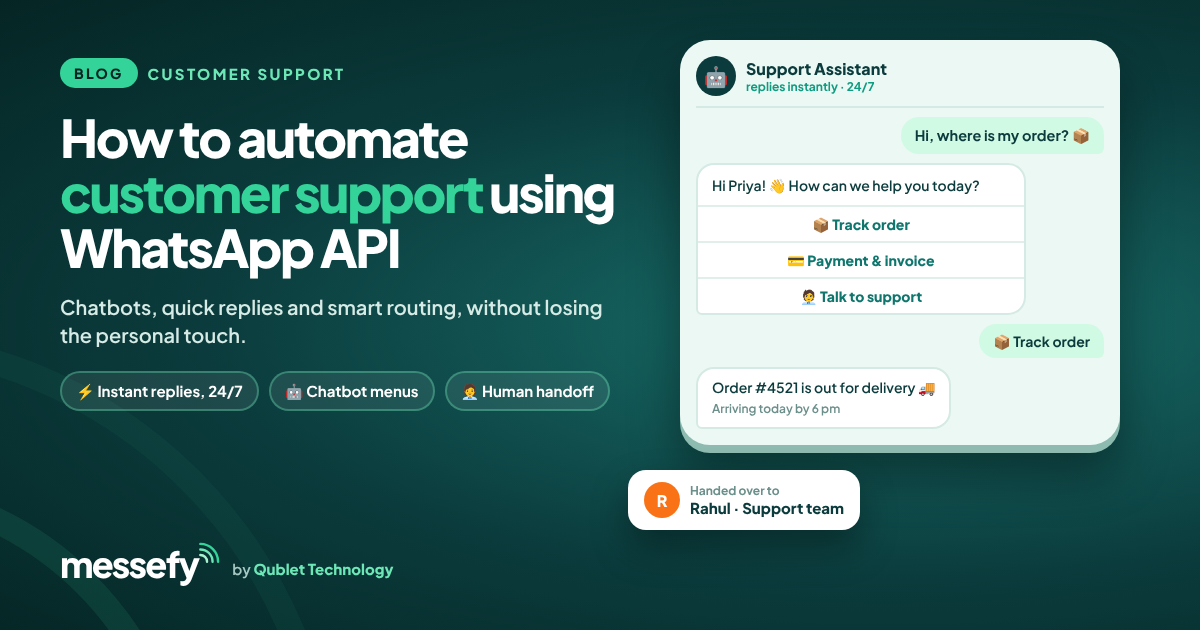
- Build chatbot flows. Design simple menus such as "1. Track Order, 2. Talk to Support, 3. Pricing" that guide customers to the right answer.
- Connect your systems. Link the API with your CRM, website or billing software so the bot can fetch real order, payment or account data.
- Add a human handoff. When a query is complex or the customer is upset, route the chat to a live agent with the full conversation history.
- Test, launch and improve. Test every flow, launch gradually, and refine replies using real customer questions.
Sample Automated Support Flow
| Step | Customer | Automated response |
|---|---|---|
| 1 | "Hi" | Welcome message with a menu of options |
| 2 | Chooses "Track Order" | Bot asks for the order number |
| 3 | Sends order number | Bot fetches status and replies with delivery details |
| 4 | "I need help" | Bot transfers the chat to a human agent |
| 5 | Chat ends | Bot sends a feedback request |
Tip: Don’t let automation feel robotic. Use a friendly tone, keep messages short, and always give customers an easy way to reach a real person.
Best Practices for WhatsApp Support Automation
- Respond quickly, since speed is the main reason customers choose WhatsApp.
- Keep bot menus short, with no more than 4 to 5 options.
- Always offer a "Talk to an agent" option.
- Use approved templates for messages sent outside the 24-hour customer service window.
- Respect privacy and never ask for sensitive details such as passwords or card PINs.
- Review chat reports regularly to find common questions and fix gaps.
Common Mistakes to Avoid
- Sending messages without customer opt-in
- Building long, confusing bot menus
- Not offering human support
- Ignoring customer feedback
- Never updating bot replies
Frequently Asked Questions
Can I automate customer support on the normal WhatsApp Business app?
Only in a basic way, with greeting messages, away messages and quick replies. For full chatbots and system integration, you need the WhatsApp Business API.
Is the WhatsApp Business API free?
No. It is offered through providers, and pricing depends on the provider and the type of conversation.
Will a chatbot replace my support team?
No. It handles repetitive questions so your team can focus on complex and high-value conversations.
Can small businesses use WhatsApp API automation?
Yes. Many providers offer plans for small and growing businesses.