WhatsApp Business App vs WhatsApp Business API: Which One Does Your Business Need?
In India, your customers don’t fill in forms. They send you a WhatsApp message.
“Price?” “Is this available?” “Can you send the catalogue?” For most businesses, WhatsApp has quietly become the main sales counter. It is where enquiries come in, orders get confirmed and payments are followed up.
But as your business grows, a question comes up sooner or later: is the free WhatsApp Business App still enough, or is it time to move to the WhatsApp Business API?
This guide explains the difference in plain language, so you can decide what’s right for your business.
What is the WhatsApp Business App?
The WhatsApp Business App is the free app you download from the Play Store or App Store. It’s built for small businesses and solo owners, and it’s a great place to start.
With the app you get:
- A business profile with your address, hours and website
- A product catalogue
- Quick replies, plus greeting and away messages
- Labels to organise chats
- Broadcast lists to message several customers at once
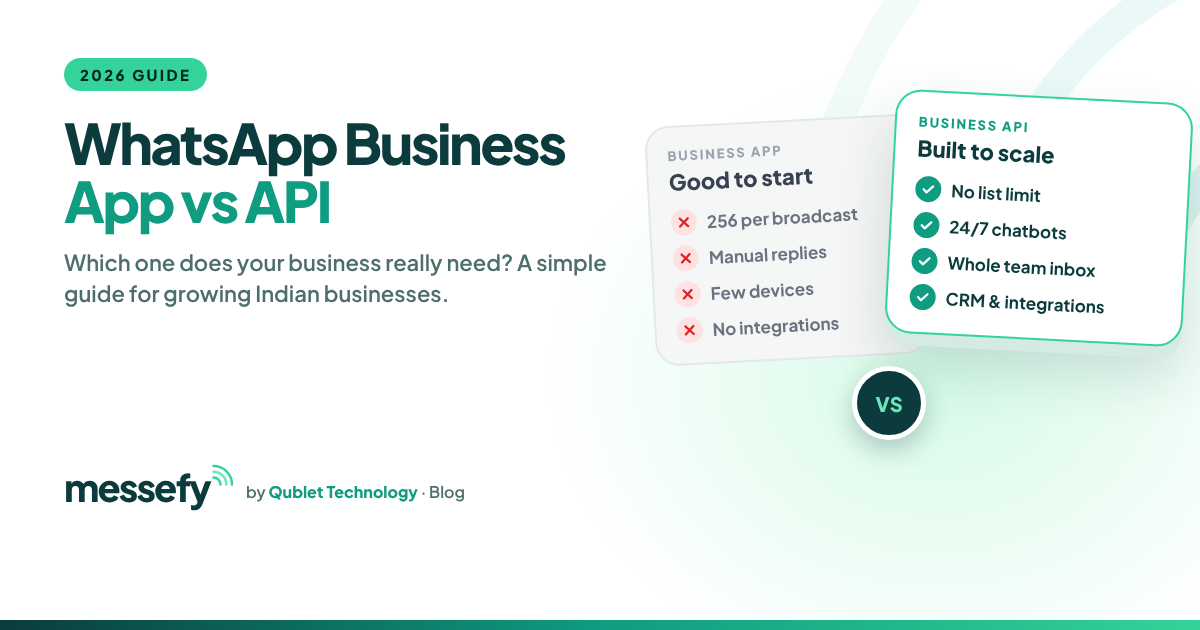
The catch: the app is designed for one person managing chats by hand. Broadcast lists are limited to 256 contacts per list, and your message only reaches people who have saved your number. Everything else, from replying to following up and tracking, is manual.
What is the WhatsApp Business API?
The WhatsApp Business API (officially called the WhatsApp Business Platform) is Meta’s solution for growing and larger businesses. There’s no app to download. Instead, you connect your WhatsApp number to software like Messefy, and that software gives your team everything it needs.
With the API, you can:
- Message every opted-in customer at once. There are no 256-contact lists. How much you can send grows as your number builds a good quality rating.
- Let your whole team reply from one shared inbox, on any computer, at the same time.
- Automate replies with chatbots that work 24/7.
- Connect WhatsApp to your CRM, invoices, website and other tools.
- Track results: see who received, read and replied to every message.
- Apply for the official green tick, through Meta’s business verification.
App vs API: A Side-by-Side Comparison
| WhatsApp Business App | WhatsApp Business API (with Messefy) | |
|---|---|---|
| Best for | Solo owners, very small shops | Growing businesses and teams |
| Cost | Free | Per-message pricing set by Meta, plus software |
| Broadcasts | 256 contacts per list; only reaches people who saved your number | All opted-in customers, scaling with your quality rating |
| Team access | One phone with a few linked devices | Unlimited team members in a shared inbox |
| Automation | Greeting and away messages only | Full chatbots, flows and drip follow-ups |
| Integrations | None | CRM, invoices, lead sources, webhooks |
| Reports | Basic | Delivery, read and reply rates per campaign |
| Green tick | Not available | Available through Meta business verification |
5 Signs You’ve Outgrown the WhatsApp Business App
1. Your broadcasts keep hitting the 256-contact limit. You’re splitting customers into list after list, and people who haven’t saved your number never see your offers.
2. Your team shares one phone. Chats get missed, two people reply to the same customer, and when an employee leaves, so does their chat history.
3. Customers message you after business hours. A customer who asks “Is this available?” at 11 pm won’t wait until morning. Every late reply is a sale that may go to a competitor.
4. Your leads live in notebooks and Excel sheets. Enquiries from WhatsApp, Instagram, Facebook and IndiaMART are scattered everywhere. Nobody knows which lead is hot or who should follow up.
5. You can’t tell what’s working. You send offers, but you can’t see who received them, who read them, or which campaign brought in sales.
If you ticked two or more, it’s time to move to the WhatsApp Business API.
How the WhatsApp Business API Works (The Simple Version)
There are a few rules to know. They exist to protect customers from spam, and good software handles most of them for you.
- Opt-in comes first. You can only send business-initiated messages to customers who have agreed to hear from you.
- Templates for first messages. When you start a conversation, for example with an offer, a reminder or an order update, you use a message template that Meta has approved.
- The 24-hour customer service window. When a customer messages you, a 24-hour window opens. During that window you can reply freely with normal messages. Every new message from the customer resets the timer.
- Per-message pricing. Meta charges per delivered message, based on its category (marketing, utility, authentication or service). Rates differ by country and change from time to time, so always check Meta’s official pricing page for current details.
Meet Messefy: The WhatsApp Business API, Made Simple
Messefy is the new WhatsApp marketing and CRM platform from Qublet Technology. It’s built for Indian businesses that want the power of the official WhatsApp Business API, without the technical headache.
Here’s what you get in one simple panel:
- Shared team inbox. Every customer chat in one place, so your whole team can reply fast.
- Bulk campaigns. Send Meta-approved templates to all your opted-in customers in one tap, and track every delivery and read.
- Drag-and-drop chatbot builder. Buttons, questions, conditions, agent hand-off and webhooks, replying 24/7.
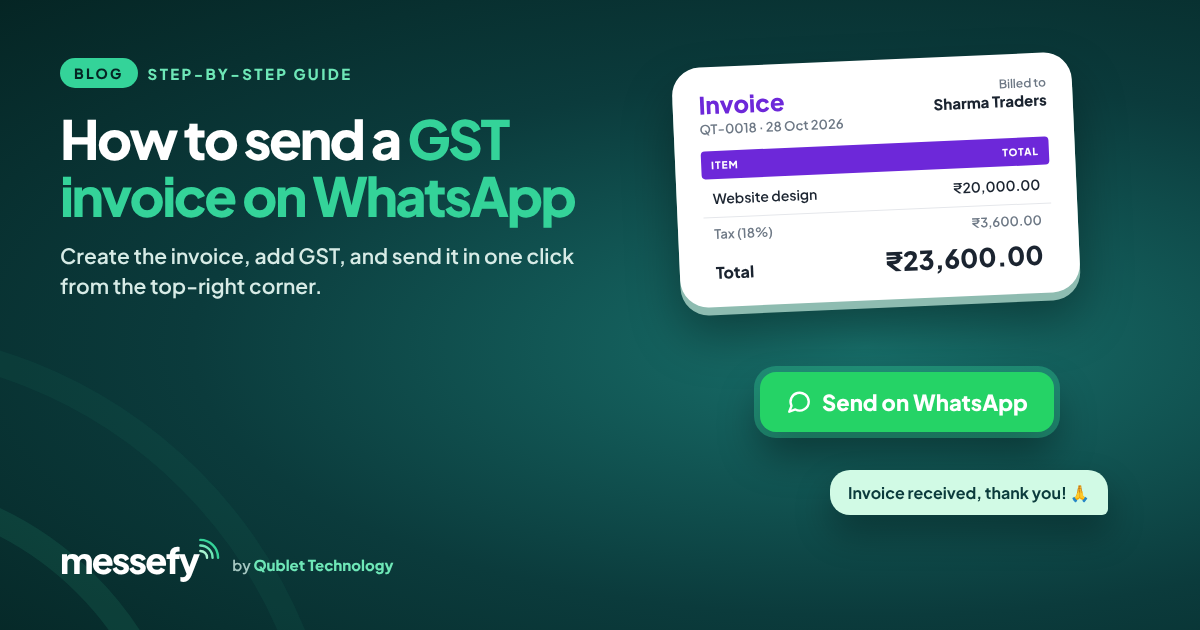
- GST invoices on WhatsApp. Create a tax invoice and send it straight to your customer’s chat.
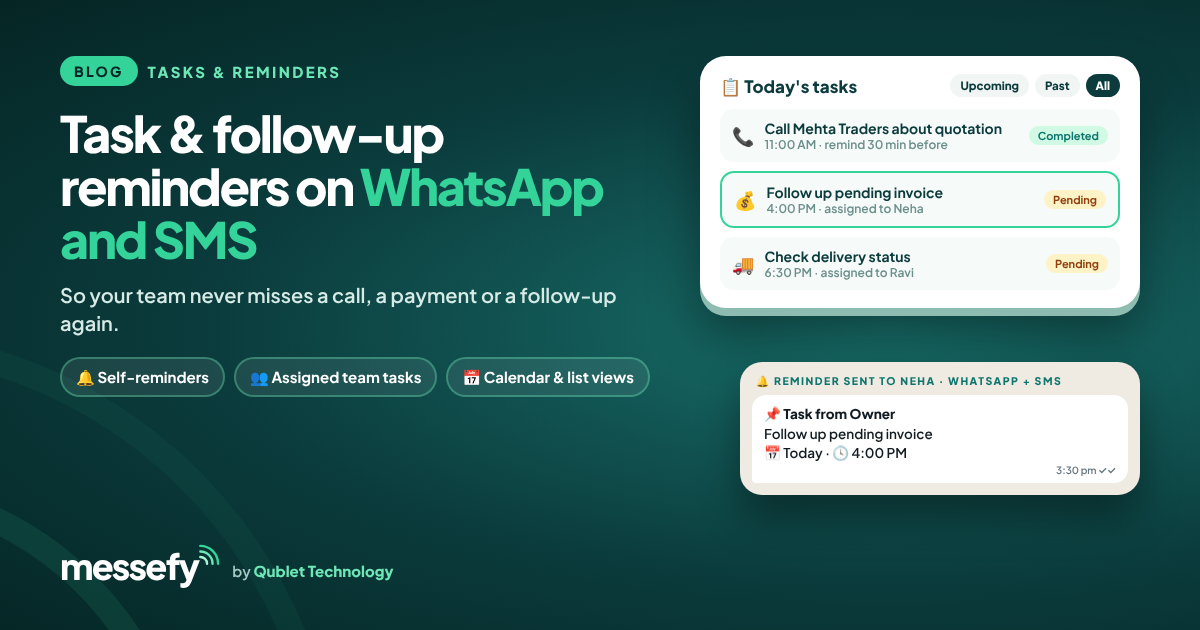
- Leads from everywhere. Instagram, Facebook and IndiaMART leads in one pipeline, with follow-up reminders.
- Live reports. Delivery, read and reply rates for every message and campaign.
- 100% official. Messefy works only with Meta’s official WhatsApp Cloud API. No unofficial tools, no risk of a ban.
Getting Started Takes 3 Steps
- Click “Connect” inside Messefy.
- Log in to Meta and choose your business.
- Verify your WhatsApp number, and you’re live.
Frequently Asked Questions
Can I use the same number on the WhatsApp Business App and
the API?
A number is normally used on one or the other. If you
move your number to the API, you manage it from Messefy instead of the
app. Our team can guide you through the move.
Do I need a developer to use the WhatsApp Business
API?
No. With Messefy you connect your number in a few clicks,
and everything else (inbox, campaigns, chatbots, invoices) works from a
simple dashboard.
Will my number get banned for sending bulk messages?
Not if you follow WhatsApp’s rules: send only to customers who have
opted in, use approved templates, and send useful, relevant messages.
Messefy uses only the official API and helps you follow these rules.
Is the WhatsApp Business API only for big companies?
Not anymore. If you’re getting more chats than one person can handle, or
you want to send offers to more than a few hundred customers, the API is
worth it, whatever your size.
Ready to Grow on WhatsApp?
Your customers are already on WhatsApp. Messefy helps you reply faster, sell more and never miss a lead.
Messefy is coming soon. Want early access or a free demo?
WhatsApp us at +91 74055 90190 and just send “Hi”. Our chatbot replies in seconds, 24/7.
Messefy by Qublet Technology. WhatsApp marketing, made simple.